Routing & policy
Work with network paths, VLAN boundaries, remote access, and the gateway settings that shape connectivity.
Independent lab
An independent environment for practicing server administration, virtualization, networking, storage, and troubleshooting. The diagram is conceptual and omits private details.
Independent lab / practical experience
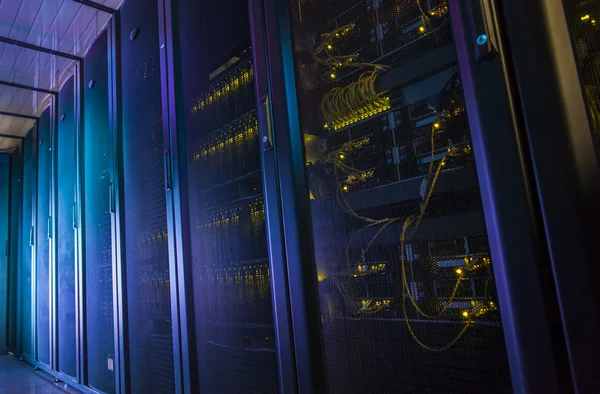
Dell PowerEdge systems, Hyper-V, and Proxmox provide room to work with Windows domains, Linux servers, Docker, storage, and network segmentation. Current server work also includes Cloudflare connectivity and Dockhand for container operations.
Home network / Ubiquiti
I own and operate a Ubiquiti gateway, switch, and access point. Working with the full path helps me understand how routing, switching, segmentation, and wireless behavior affect one another.
Work with network paths, VLAN boundaries, remote access, and the gateway settings that shape connectivity.
Manage the connection between hosts, services, and segmented networks, then trace issues from port to endpoint.
Configure and troubleshoot Wi-Fi alongside the rest of the network, including client access and reliability.
Conceptual topology
This is a portfolio diagram, not a network map or inventory.
Physical foundation
The referenced server models describe equipment worked with; this page does not publish live host roles, addresses, or capacity.
Operational range
Typical investigations can cross PowerShell, Windows services, Group Policy, DNS, VPN routing, Linux, containers, nginx, Cloudflare, database state, and a browser UI. The goal is to isolate the failing layer before making a change.
Explore the technical domains ↗